1. Open a document, now draw the form of the chrome button using the rounded rectangle tool (rasterize the layer).

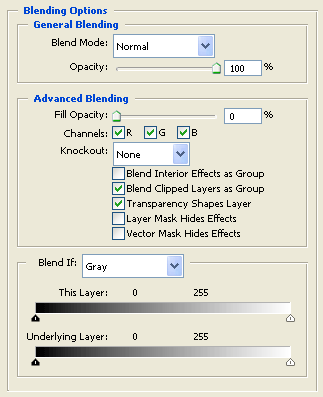
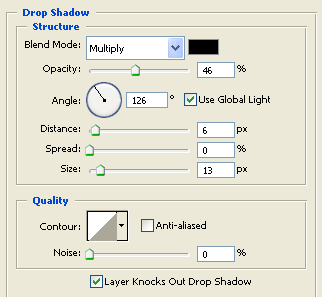
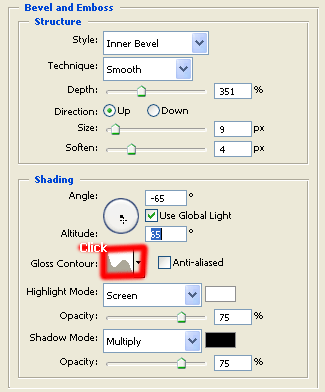
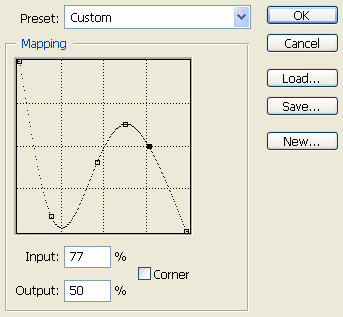
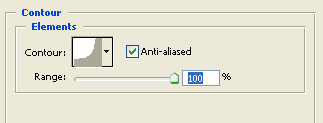
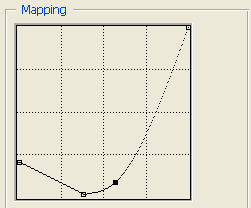
2. Click 'blending options' within the layers dialog on our shape layer, the dialog that pops up is called 'blending options'.. follow the below values to get our desired chrome effect.
3. Our final result: