


1 | 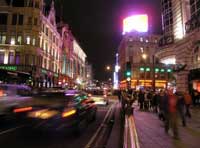 | Open the image for editing. |
2 | 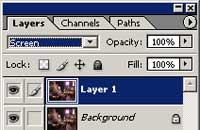 | Duplicate the current layer and change the blending mode of the new layer to Screen. |
3 | 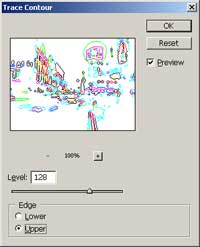 | With the top layer selected, apply a Trace Contour filter (Filter> Stylize> Trace Contour) with the following properties: Levels: 128 Edge: Upper |
4 | 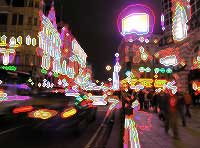 | Invert (Ctrl+I) the current layer. |
5 | 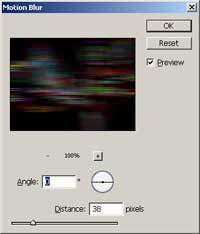 | Apply a Motion Blur (Filter> Blur> Motion Blur) with the following properties: Angle: 0º Distance: 38 pixels |
6 | 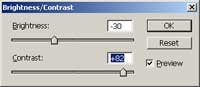 | Use the Brightness/Contrast tool (Image> Adjustment> Brightness/Contrast) to tweak the visibility of the glow. |
7 | 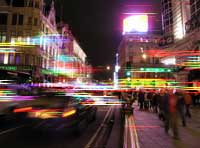 | Rollover the image to view the image without this Photoshop technique applied. |
