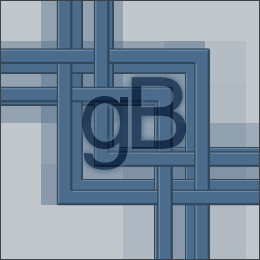
1. You can use this method in any way you want...therefore, size is not recommended. Start off by stretching a line from and to anywhere, make sure Anti-Aliased is
checked to "Off", and the line must be thicker than 3 pixels.
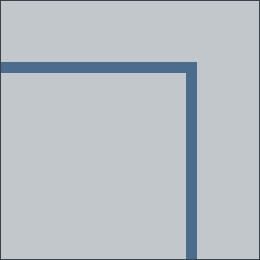
2. Click twice on the layer to customize its blending options. Enter the following values where stated:
Bevel and Emboss
Technique: Chisel Hard
Depth: 1000%
Size: 0
Soften: 0
Angle: 138
Use Global Light (Checked)
Altitude: 26
Stroke
Size: 1 px
Position: Outside
Colour: A darker shade of the original colour. (If your original colour is black, then do not put a stroke on the border)
Click OK
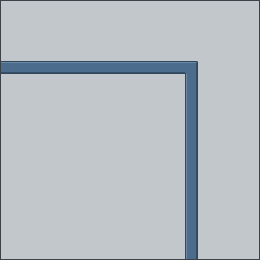
3. All done. Customize in any way you wish to.