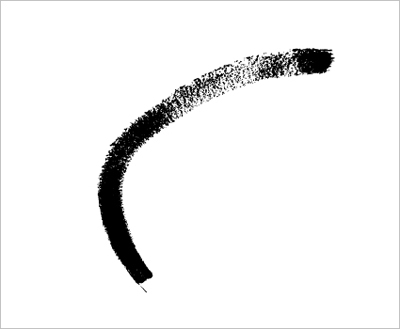
Using bitmap image from tutorial How to create your own custom brush in PhotoShop you can easily create your own vector brushes in few steps:
Step 1
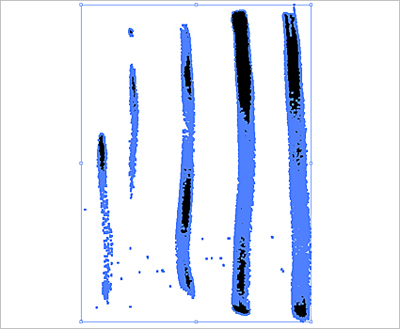
Simply place an image (download it here) in Illustrator and use live trace or Silhouette plug-in... you should get a grungy style vector brush like this one:
Step 2
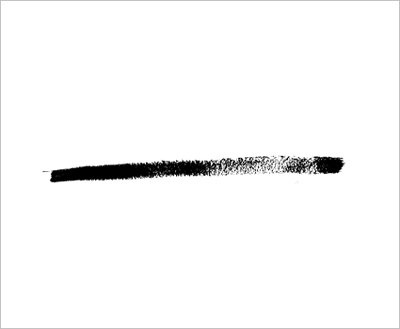
Choose one of the elements with select tool (use "V" - keyboard shortcut for selection tool), ((for instance, you can rotate it 90 degrees.))
Step 3
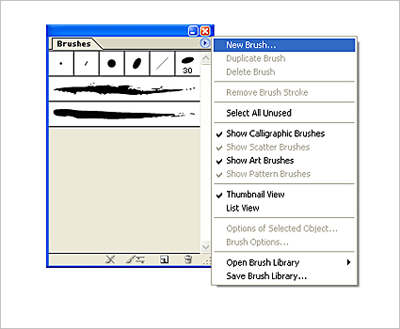
Open the Brush palette (Window - Brushes) and choose New Brush option. Select the brush type, in this case - Art. Leave other options as they are and rename it. Save.
Voila - try it!