

In this tutorial we will show you how you can make a colored pencil sketch from a photograph with your photoshop or photoshop elements.
Here's the before and after picture:

Step 1: Open your file (file>open or ctrl +o)
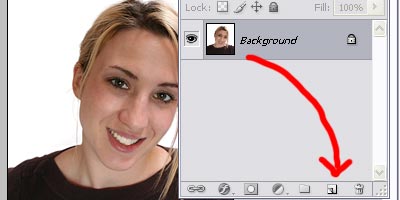
Step 2: Make a duplicate of your background layer (layer>duplicate layer or by dragging your background layer to create new layer button in your layer palette).
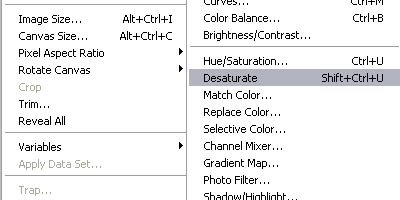
Step 3: Turn that layer to Black & White (Image>Image Adjustments>Desaturate)
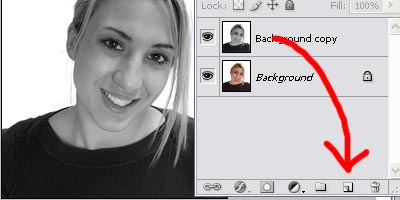
Step 4: Now copy your background copy layer (layer>duplicate layer or by dragging your background layer to create new layer button in your layer palette).
Step 5: Invert the background copy 2 layer (ctrl +i)
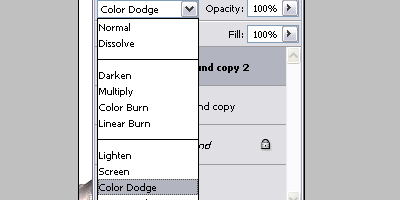
Step 6: Change the layer mode to color dodge, and you should be hardly to see anything on your image.
Step 7: Now apply gaussian blur to that layer. Play around with it until you get the desired look. Here's mine with 20.5 pixel

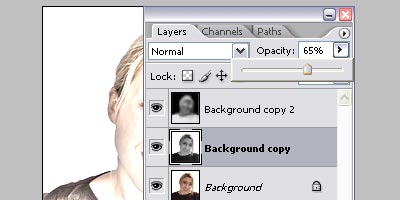
Step 8: You've got yourself a b&w pencil sketch. Now for some colors, click your 'background copy' layer and experiment with the opacity for the desired look. I like it mine with 65%
That's it!
