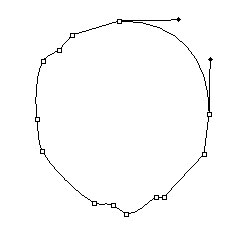
Start by creating this path with pen tool :
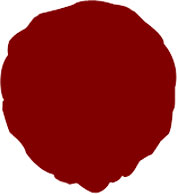
Press control+enter to create a selection. Create a new layer by pressing shift+ctrl+n together. Fill the selection with #990000 color :
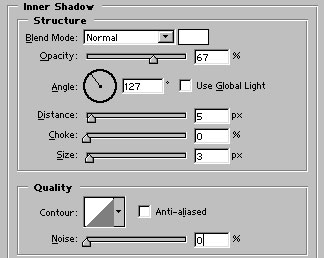
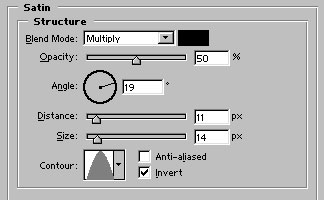
Apply these layer styles :
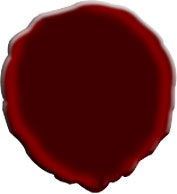
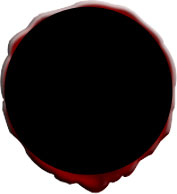
Draw a black color circle inside the first shape with the help of ellipse tool :
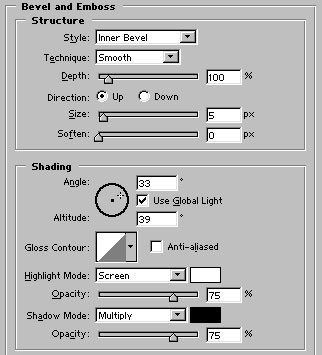
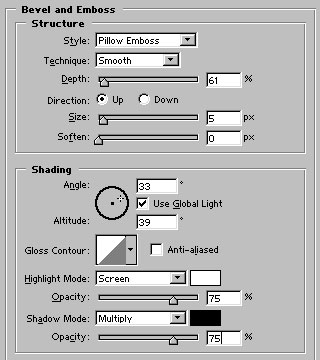
Apply bevel and emboss as shown :
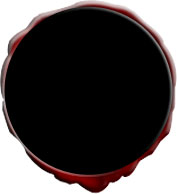
Create another shape with ellipse tool. Use similar #990000 color for this shape :
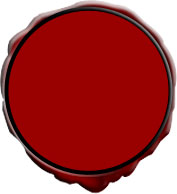
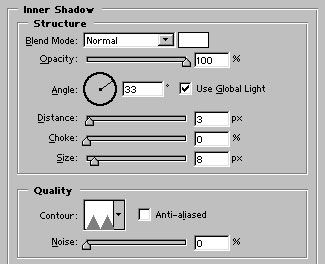
Apply inner shadow in it :
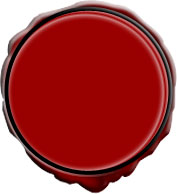
Draw another #660000 color shape as shown :
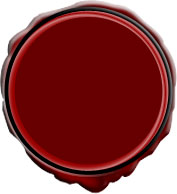
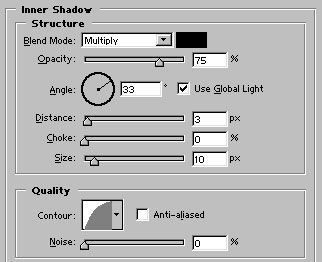
Apply inner shadow :
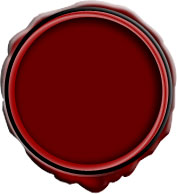
Finally add custom text and logo in it. Our seal is ready :)